What we built: a custom Simplicate tracker
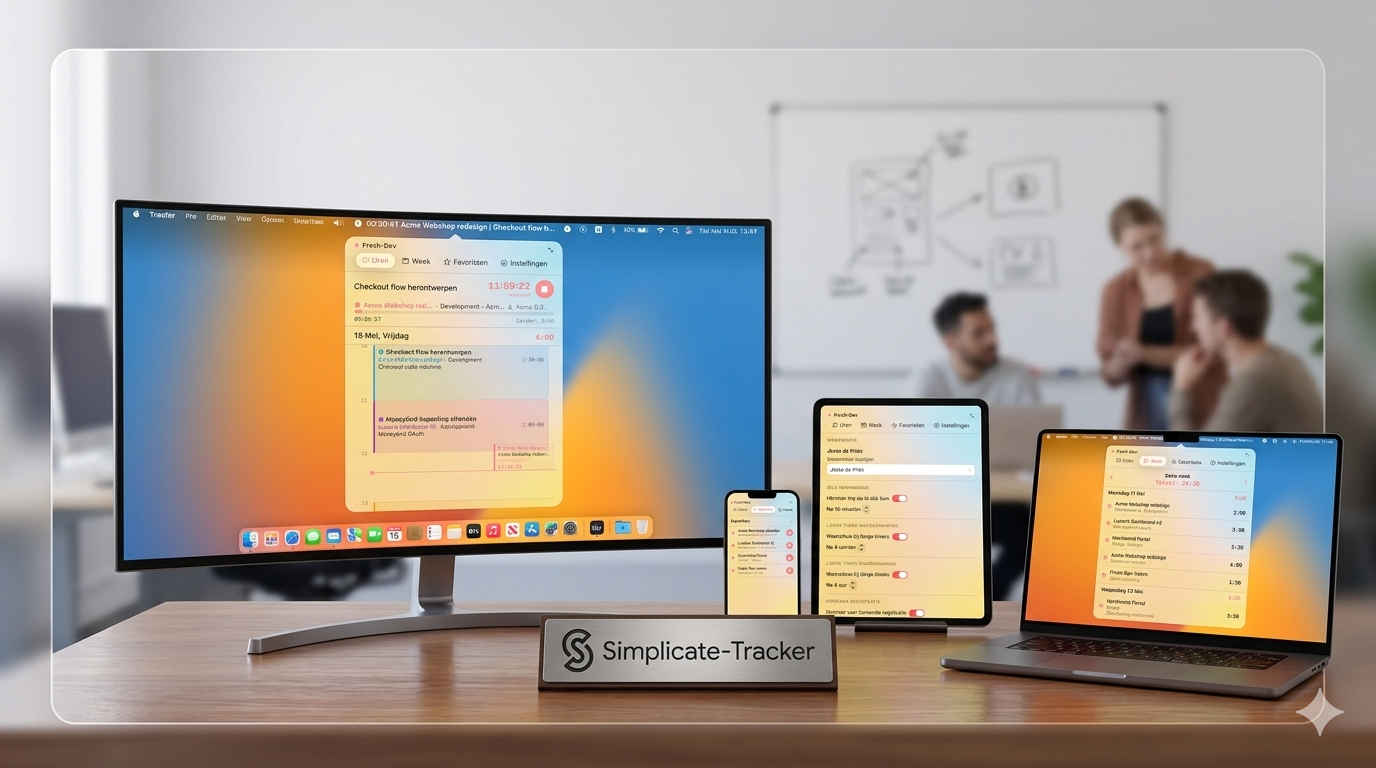
At Fresh-Dev, we occasionally build our own internal tools. The latest one: a Simpler tracker as a Mac app, linked to our time tracking via the Simplicate API. Not a revolution, but a few hundred clicks less per week for the whole team.
In this article:
The reason for our Simplicate tracker
Almost everything we do internally runs via SimplifyProject status, capacity planning, invoicing, hours. Works fine as long as you plan your day in the morning and stick to that plan precisely.
A working day rarely goes like this. Is there a question in between or a quick task for another client? Then you had to log in to Simplicate, find the right project, and update your hours manually. Four actions for a ten-minute job, and it happened several times a day.
This is why the desire arose for a Simplicate tracker that is always within reach. One click, correct project, timer running.
What we missed from Toggl
A few years ago, we used Toggl for our time tracking. It came with a Mac app that took a different approach: one screen with a timer, your daily overview, your open tasks, and favourites like ‘Administration’ which you could start with a single click.
Little things that, together, meant dozens of clicks less per day. We hadn't had that since switching to Simplicate. A Simplicate tracker with the same directness didn't exist, so we decided to build one ourselves.
How to assemble our Simplicate tracker
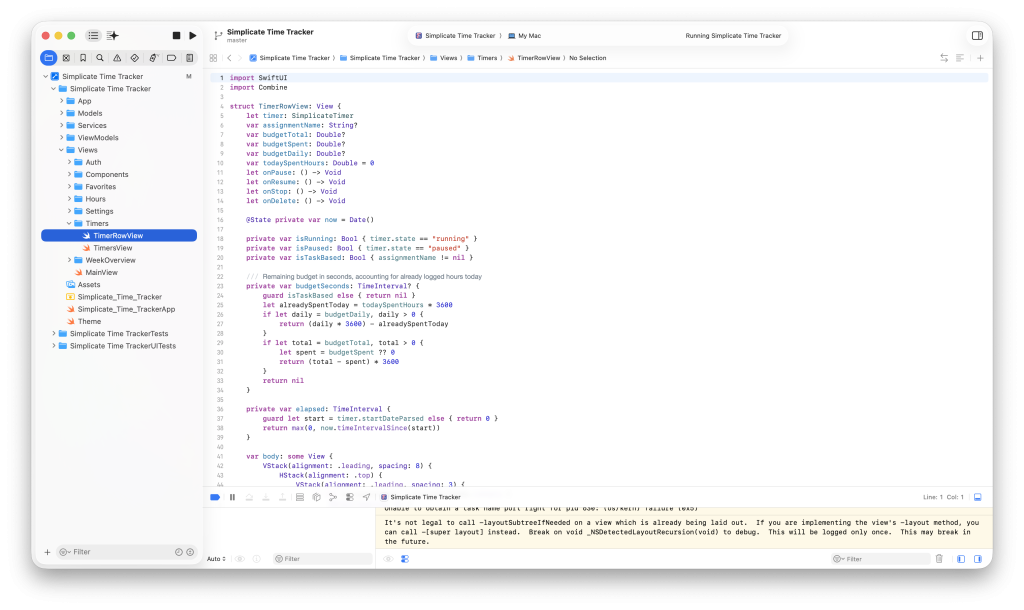
Jesse, one of the owners, has been building his own iOS apps in Swift for years. In the team, we call him the Golden Master (He installs every Apple beta first). He is with Claude Code got to work to put together a first version.
The first question was practical: how do we retrieve the Simplicate data? API Simplication everything needed, including authentication. No intermediary server, no sync script, just directly from app to Simplicate.
In Xcode, we built a dashboard view that displays projects, tasks, and hours worked. For the design, we created a brief via ChatGPT based on two references: our own Fresh-Dev website a Toggl for Mac. That briefing was the starting point for version 1 of our Simplicate tracker.
What came after v1
You get an AI-driven prototype in a week. The rest takes months. Does it also work with twenty active tasks? What does the app do when it's in the background with a running timer? How much CPU does it use on a MacBook Air?
We worked on those kinds of questions before we rolled it out internally. The Simplicate tracker not only had to work on the demo laptop, but also run the whole team's workday without a hitch.
5 lessons from this project
Along the way, we learned a few things that would also be useful for other internal tools:
- Start with the real irritation. Not by what is technically nice, but by the step you take most often.
- Use the existing API if there is one. The Simplicate API made an intermediate layer redundant.
- An AI prototype is your first 20%. The remaining 80% covers edge cases, performance and background behaviour.
- Test on actual working days. Then you'll see things like ‘what if I close the app with a running timer?’.
- Make it optional for the team. An internal tool that forces you to use it feels like overhead. A tool that makes your work easier, everyone uses it by themselves.
What our Simplicate tracker does now
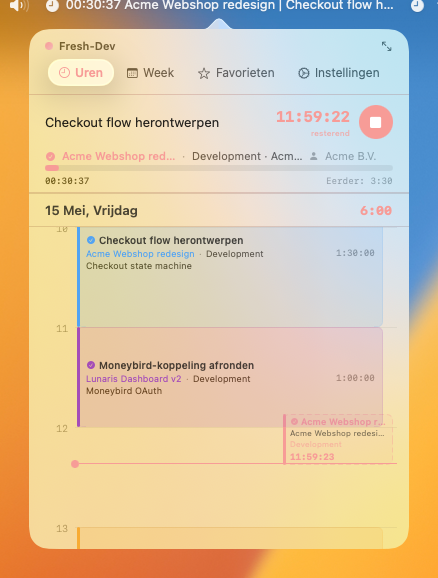
The current version has the basis of Toggl plus a number of things that have been adapted to our workflow:
- If a task spans multiple days, the app shows how many hours you still need to complete today to stay on track.
- A small calendar view alongside it with your scheduled blocks.
- Notification if no timer is running when you are scheduled, or conversely, if one has been running for several hours uninterrupted.
- Warning a few minutes before a scheduled task begins.
- Top: how many hours you should clock today, and how many you have clocked so far.
The app is not mandatory for the team. Those who want to work without it can do so. Those who felt the extra Simplicate step was an unnecessary hassle use it daily.