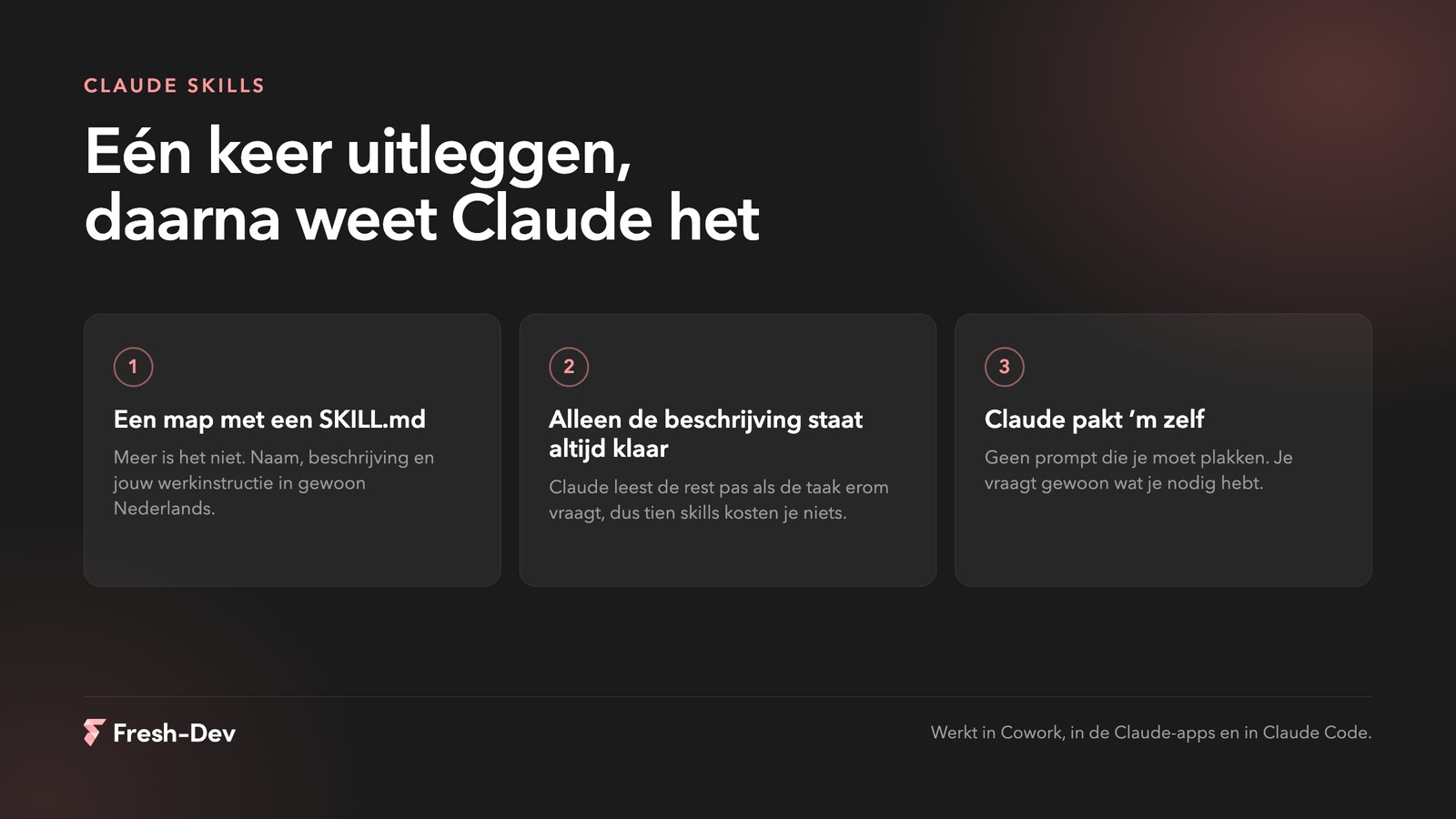
How many fields are you allowed to ask for? We counted 173 contact forms
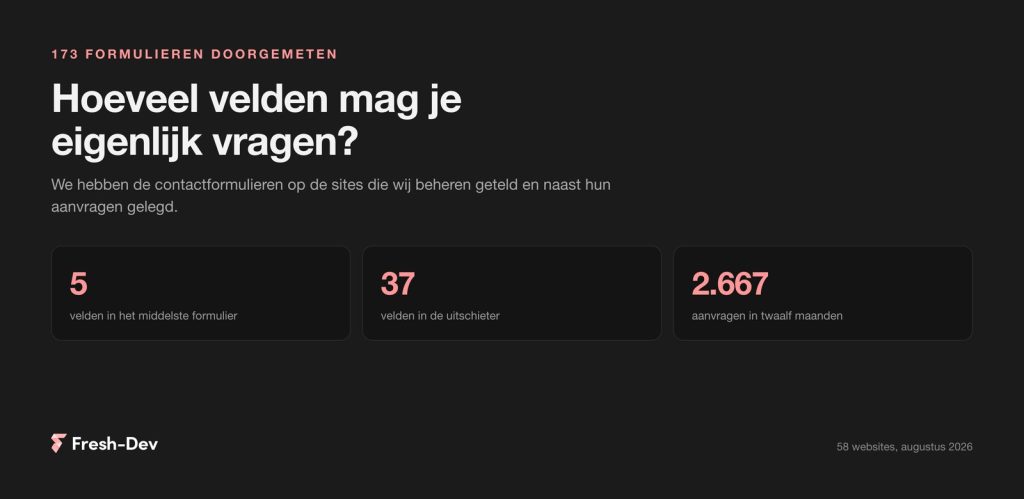
We counted 173 contact forms on 58 sites: how many fields they ask for, what a phone field does with your requests, and which two fields can be omitted.
Read on Jesse
JesseIf you use Claude a bit more often, you know the pattern. You ask for a quote and get something usable back, but not in your structure. So you explain how you do it. The week after, you do it again. And the week after that, once more.
There are skills for that. You explain once how something works for you, you put that in a folder, and from that moment on, Claude knows. No prompt that you have to look up and paste every time.
We now run 29 of them in the office, from drawing up invoices to setting up an SEO project. Below is what a skill actually is, how to make one yourself in ten minutes, and what the difference is between a skill that works and one that gathers dust.
In short:
SKILL.md. It explains what it does, when Claude should use it, and how you approach it.In this article:
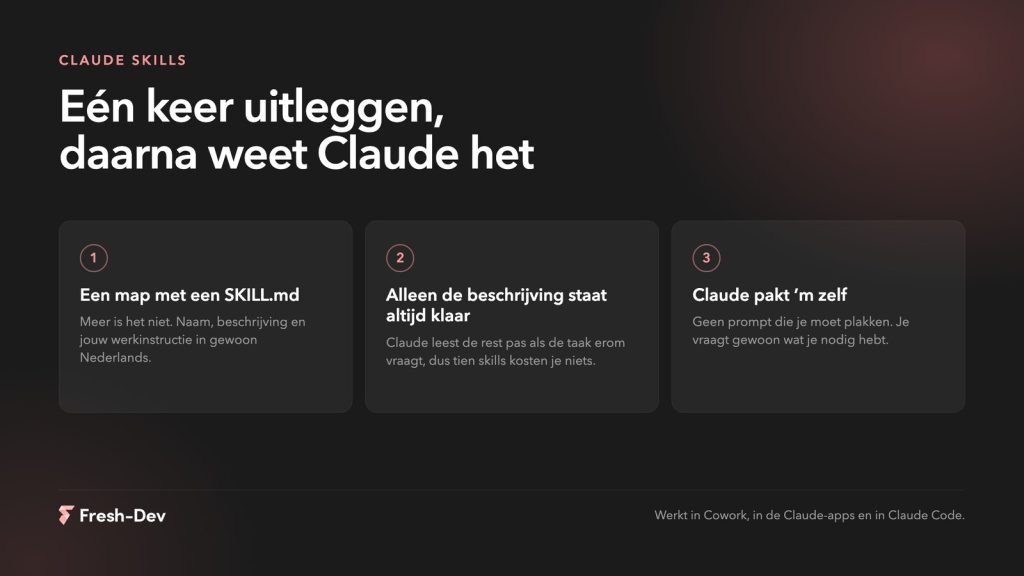
A skill is a folder with a file in it, and that file is called SKILL.md. At the top are two things: a name and a description. Below that, in plain language, is how you want something to happen.
The most important thing to understand is how Claude handles it. At the start, it only reads the name and description of each skill. Nothing more. Only when you ask something that matches a description does it open the entire file. If you have referred in that skill to a second file containing, for example, your rates, that is only read when it is truly needed.
That sounds like a detail, but it is precisely why skills work and a long system prompt does not. You can have twenty of them without it getting in the way. Claude grabs what it needs and leaves the rest.
The second difference compared to a prompt: you don't need to invoke it. You simply ask for a quote, and Claude sees for itself that there's a skill for that. That only works if your description is correct, and we'll come back to that in a moment.
Not every task deserves a skill. The rule of thumb that works well for us: if you are explaining something for the third time, write it down.
Good candidates usually have these characteristics:
Poor candidates are tasks that you do once, or tasks where every situation is so different that there is no pattern to it. For those, you are better off having a good conversation than following an instruction.
Take something small. We are getting a quote here, but fill in what suits you.
Step 1. Just do the task once with Claude first. Without a skill, just in a conversation. Pay attention to everything you have to explain along the way: our structure, our rates, that we always mention a period of validity. What you explain, that becomes your skill.
Step 2. Ask Claude to turn it into a skill. Literally: “turn this into a skill, using our structure and the rule about VAT.” Claude knows the format and writes it for you. You don't need to memorise the syntax.
Step 3. Throw out what Claude already knows. This is the step most people skip. Explaining what a quotation is, is a waste of space. Only what applies specifically to you belongs in it.
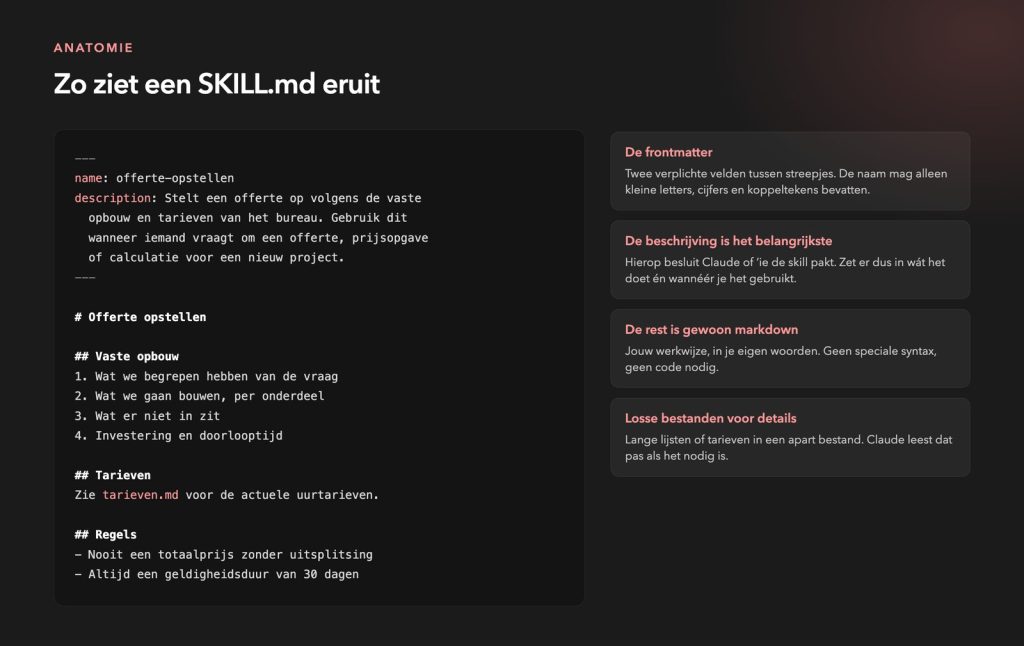
Step 4. This is what the result looks like:
---
name: preparing-a-quote
description: Prepares a quote in accordance with the agency’s standard format and rates.
  Use this when someone requests a quote, price quotation or
  cost estimate for a new project.
---

# Preparing a quotation

## Standard structure
1. Our understanding of the request
2. What we will be delivering, broken down by component
3. What is not included
4. Investment and lead time

## Rules
- Never give a total price without a breakdown
- Always specify a validity period of 30 days
- Amounts exclude VAT, and this must be explicitly stated
Step 5. Test it on a real job. Not based on a made-up example. Ask for a quote for a client who is on the agenda for tomorrow and see if Claude picks up the skill and follows the rules. If it doesn't, it's almost always down to the description.
The content is the same everywhere, only the location varies per environment.
~/.claude/skills/ And done. We keep that folder in a shared Drive folder with a shortcut to it, so we have the same skills on two laptops.For all three, code execution needs to be turned on. Skills work on the free version and on all paid subscriptions.
Another handy one: in Cowork on the Mac you can skill record. You turn on the recording, demonstrate the task once, and Claude writes a skill from it itself. That takes up to about ten minutes and works on Pro, Max and Team. For people who prefer demonstrating something rather than writing it down, that is the shortest route.
The difference is almost never in the content. It is in the description and in the length.
A good description is half the battle. That is the only thing Claude sees when it has to choose. So, state what the skill does AND when you use it, and write it in the third person. ‘Draws up a quotation according to the fixed structure. Use this when someone asks for a quote, price estimate or calculation‘ works. ‘Helps with documents“ does not work, because Claude can't do anything with that.
Short is better. Anthropic’s own guideline is: keep it under 500 lines. If it gets any longer, split it into separate files that you reference from your main file. Claude will only read them when necessary.
Refer one level down. A file that links to a file, which in turn links to another file, will cause problems. Link to everything you need directly from your main file.
No dates and versions that expire. “From September we will use the new rate” is simply wrong in three months' time. Put the current rate in and update it when it changes.
One word for one thing. If you call it a quote in one paragraph and an estimate in the next, Claude has to guess. Choose one.
Give one way, not five. Listing all the different ways it can be done – this way, that way or another way – makes the outcome unpredictable. Choose the way you want to do it.
If you find yourself explaining something for the third time, that’s not just annoying – it’s a warning sign. That’s where a particular skill comes in.
– Jesse Lafeber, Fresh-DevA few from our own portfolio, to give you an idea of the kind of jobs that lend themselves to it:
What they have in common is that they are not impressive AI applications. They are simply written-down procedures. Exactly the sort of knowledge that is normally stored in someone’s head and disappears when that person goes on holiday.
So far, we’ve been talking about work contained in documents. Skills only become really interesting when Claude can access the system where your work is stored: your WordPress site, your online shop or your own application.
The skill then describes the working method, and the integration gives Claude hands. You often already have such an integration lying around. WordPress has a REST API, most applications have one too, and otherwise you just put an MCP server or a small script next to it that is simply in the skill's folder.
The sort of jobs that goes with:
There are two things you need to specify within the skill itself. Firstly, what is not allowed: do not publish anything without an intermediate step, do not delete anything, and if in doubt, stop and ask. Secondly, where it is allowed to run. Start on staging or with read-only access, and only move to production once you have seen a few times that the result is correct.
Anyone who does the work can write down the working method. The integration and the surrounding permissions are technical, and that is usually where it gets stuck. We build that part into websites and web applications, along with the skill, so that the team can then continue on their own.
Anthropic has its own explanation sorted now and that's free. On Claude Academy feature short courses with videos and a quiz at the end.
Everything is in English, and you'll earn a badge if you keep that up. For those who prefer to dive straight into the tech, there is also a complete nine-hour course on building with the Claude API.
If you leave your details, we’ll give you a call to see which recurring jobs would be suitable for a skill. We don’t charge anything for this.
Pick something you’ve already explained three times this month. Do that task once with Claude, ask to turn it into a skill, strip out anything unnecessary and test it on a real-world task. Half an hour, and you’ve got it.
If the work you want to automate is carried out via your website, your online shop or your own application, this will involve integration and become a more complex project. That’s what we do. If you’d like to have a chat first about where most of your time is spent, please book a consultation.
We counted 173 contact forms on 58 sites: how many fields they ask for, what a phone field does with your requests, and which two fields can be omitted.
Read on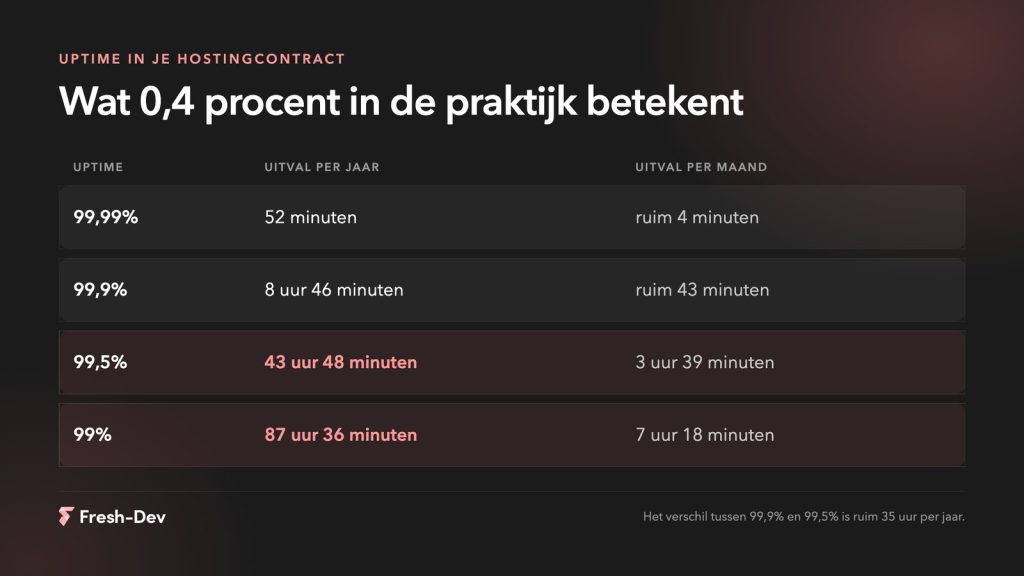
Website downtime costs more than lost revenue. Seven hidden costs and how to prevent them before they add up.
Read on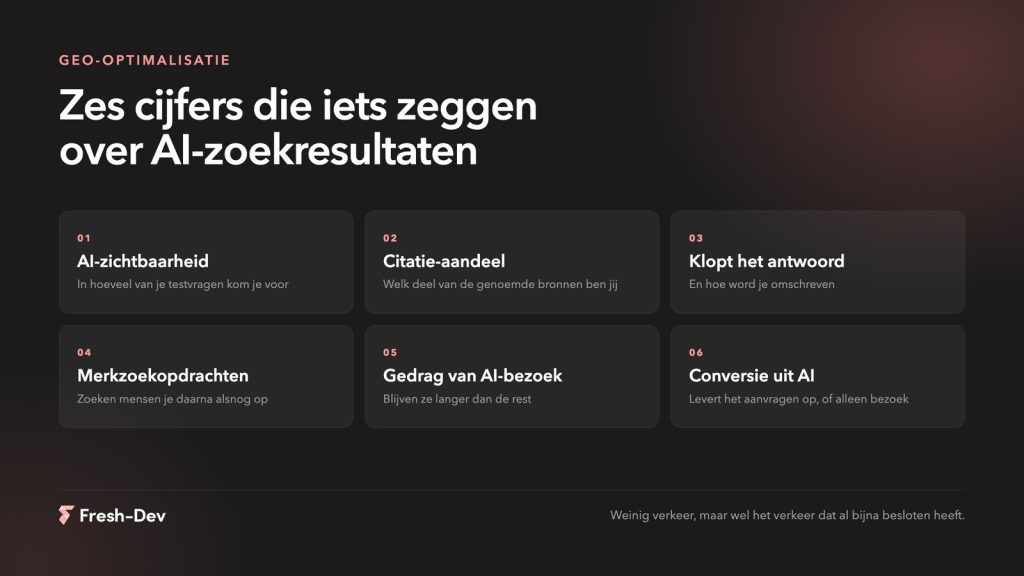
Measuring GEO optimisation without search rankings. Six figures that show whether AI mentions you, what you'd better not measure, and how to set up a baseline measurement.
Read on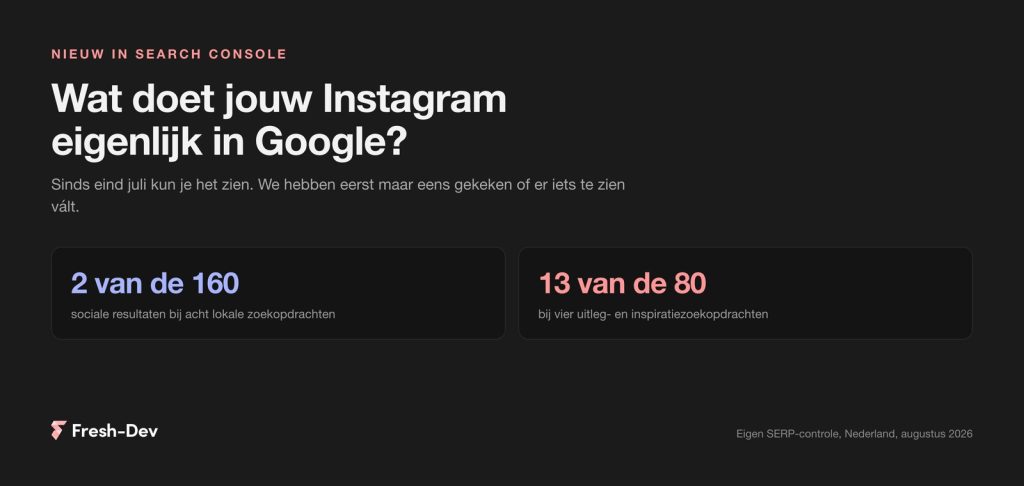
Search Console has been showing what Google sends to your Instagram, TikTok, X and YouTube since July. We checked twelve Dutch search queries.
Read on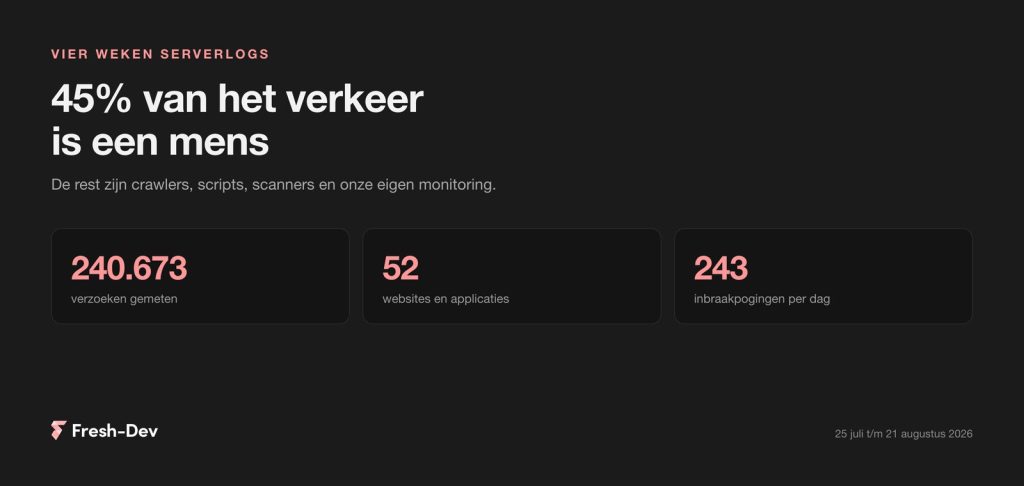
We have combed through four weeks of server logs from 52 sites: 45 per cent human, GPTBot seven times busier than Googlebot and 243 intrusion attempts per day.
Read on
Elementor Pro 4.2.2 patches a vulnerability in the upload field of the form block. Check in 30 seconds if your site is at risk and what you need to do now.
Read on