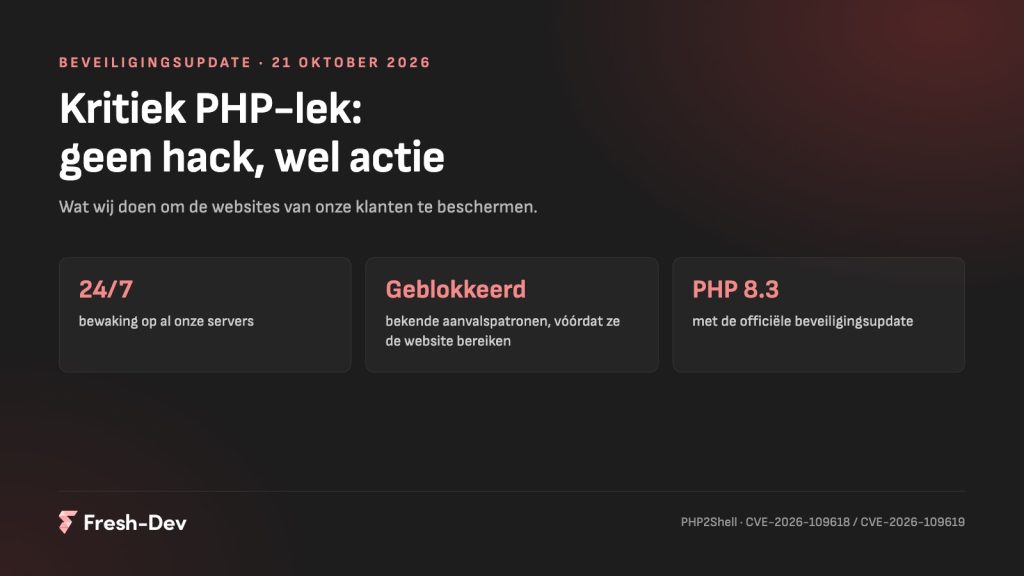
PHP bug critique (October 2026): resolved
Regarding the critical PHP vulnerability (PHP2Shell) from October 2026: there is no hack, which we have already done and which is still to come.
Read on Jesse
JesseOn 19 August, Elementor released version 4.2.2 of Elementor Pro. This includes a security fix for the forms block. Under certain circumstances, someone without logging in could upload a file to your server, and that is the kind of flaw that can lead to a site being completely compromised.
Elementor Pro runs on millions of websites. So there is a very real chance that you are using it, or someone you are responsible for is.
In short:
wp-content/uploads are standing. They don't belong there.In this article:
It’s in the Elementor Pro form block, specifically in the upload field. You use that field for a job application accompanied by a CV, a quote request with a drawing, or a claims report with photos. When processing such an upload, the content that was actually being received was not checked thoroughly enough.
The danger is not in that single file, but in what can happen with it afterwards. If a PHP file ends up in your upload directory and that directory can be accessed from the web, that file will simply run. From that moment on, you no longer have a website problem but a server problem: sending mail from your domain, getting into other sites on the same server, or lying low until it suits the attacker.
Elementor has included the poem in Elementor Pro 4.2.2, released on 19 August 2026. Everything prior to that runs on the old code. The release is listed in the Elementor changelog.
Elementor itself keeps it narrow: only sites with an Elementor Pro form containing an upload field and where the multi-file option is enabled. That option is disabled by default, so in practice the group that is genuinely affected is relatively small. In the security press, it is interpreted more broadly: there, a single published page with an upload field is already enough.
We assume the broad reading. Not because we don't believe Elementor, but because it makes no difference to you which of the two is correct: the action is the same and it takes two minutes.
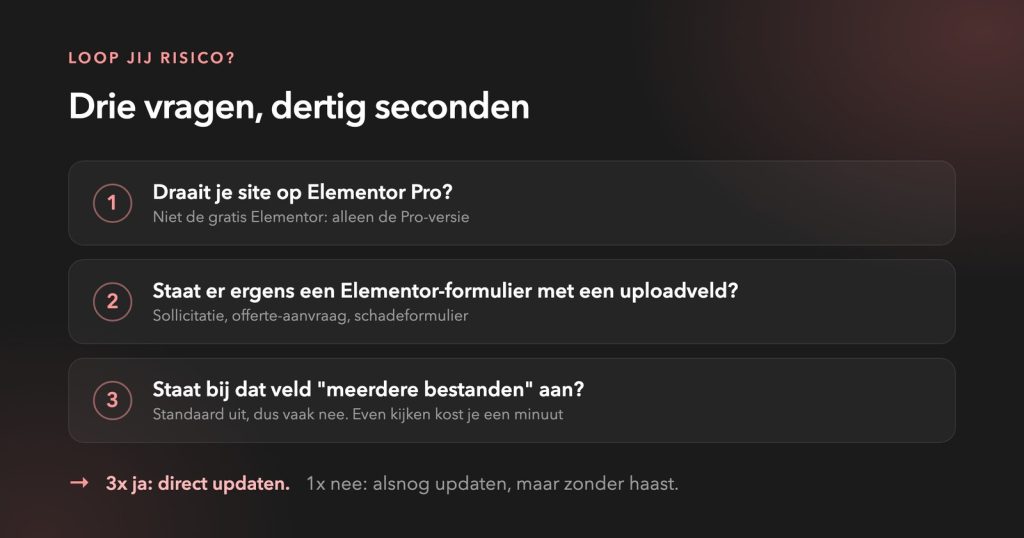
If you manage more than one site, go through all of them. One forgotten installation is enough.
Leave your website details and we’ll take a look at it today. We’ll get back to you to let you know what we find, even if everything’s fine.
Updating fixes the door, not whatever might already be inside. That’s the tricky thing about this sort of leak: it’s silent. Four things you can check yourself:
wp-content/uploads. Only images and documents should be there, nothing else.If you come across anything, do not start tidying it up yourself. With a site that has truly been compromised there are usually multiple backdoors, and missing just one of those means you'll be starting all over again a week later. Take it offline or put it in maintenance mode and have someone look at it.
If you discover a hack, you are usually already too late. Cleaning up always costs more than preventing.
– Jesse Lafeber, Fresh-DevWe do not build with Elementor, Divi or WPBakery. Not because it is bad software, because it isn't, but because of what comes bundled with it as standard. Such a builder has to be able to do everything for everyone. That means a mountain of code on your site that you never use, but which still loads and counts towards what can break. A form block that processes uploads is a good example of that: handy if you need it, simply extra risk if you never turn it on.
Add to that the fact that you are tied to the rhythm of an external party. They decide when the fix arrives, you get to run it. With a vulnerability of this calibre, that is precisely the moment when you would rather be at the controls yourself.
We build in code, with only the components that truly belong there. That is no guarantee against leaks, which does not exist. It does, however, reduce how much can leak, and how quickly we can patch it when the time comes.
Are you running Elementor and are you quite happy with it? That’s fine too. Just make sure you keep your updates up to date, and know what plugins are running alongside it.
This vulnerability can be fixed with a two-minute update. The next vulnerability is in a different plugin, will come at another time, and then the question arises again whether someone will notice it. That is true maintenance about: not getting it right just once, but ensuring someone is there to watch when things go wrong.
Want to know more about where you stand? In our blog about Secure WordPress states what you can check yourself in fifteen minutes.
Would you like us to take a look to see if your site is vulnerable? Send us your website or schedule a consultation. Better today than next week.
Regarding the critical PHP vulnerability (PHP2Shell) from October 2026: there is no hack, which we have already done and which is still to come.
Read on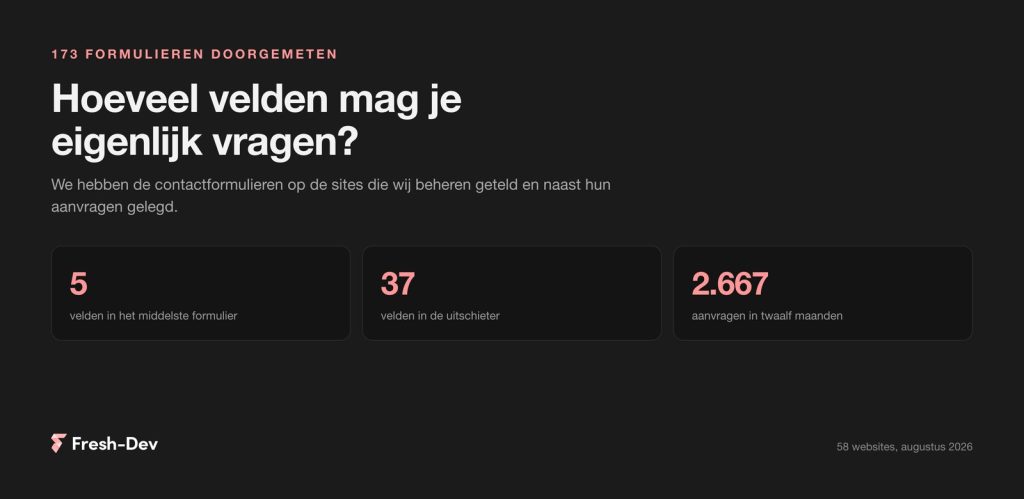
We counted 173 contact forms on 58 sites: how many fields they ask for, what a phone field does with your requests, and which two fields can be omitted.
Read on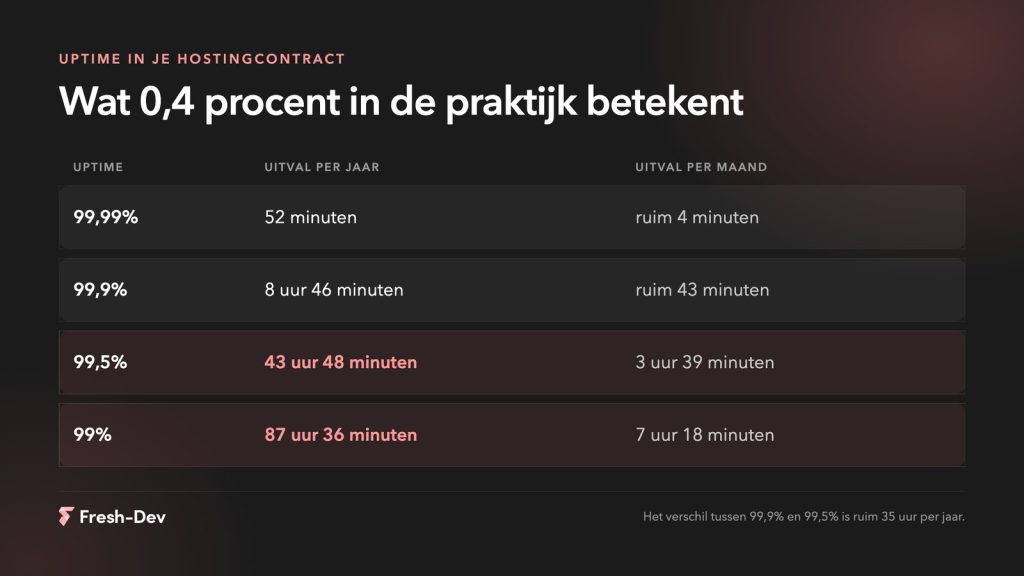
Website downtime costs more than lost revenue. Seven hidden costs and how to prevent them before they add up.
Read on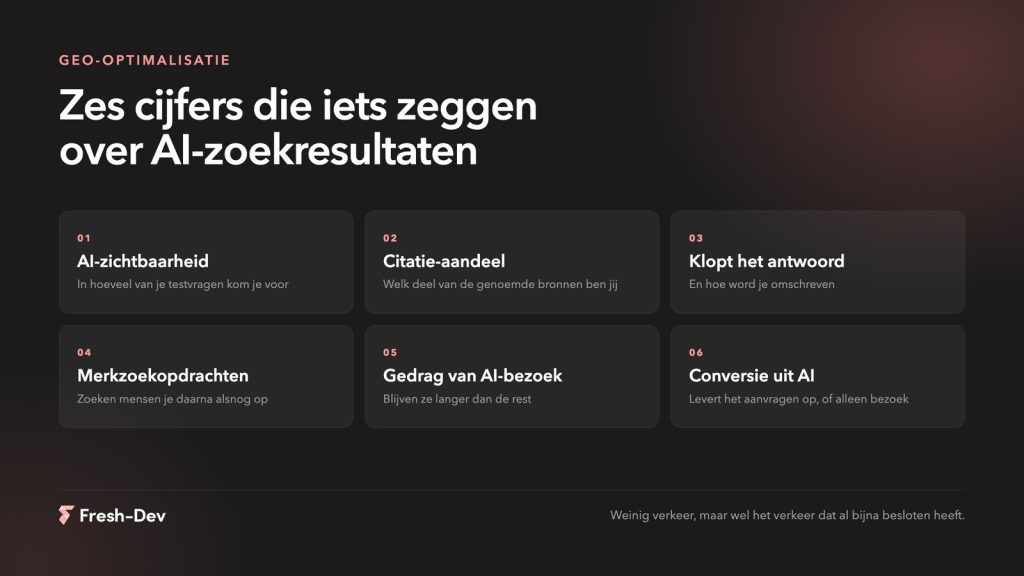
Measuring GEO optimisation without search rankings. Six figures that show whether AI mentions you, what you'd better not measure, and how to set up a baseline measurement.
Read on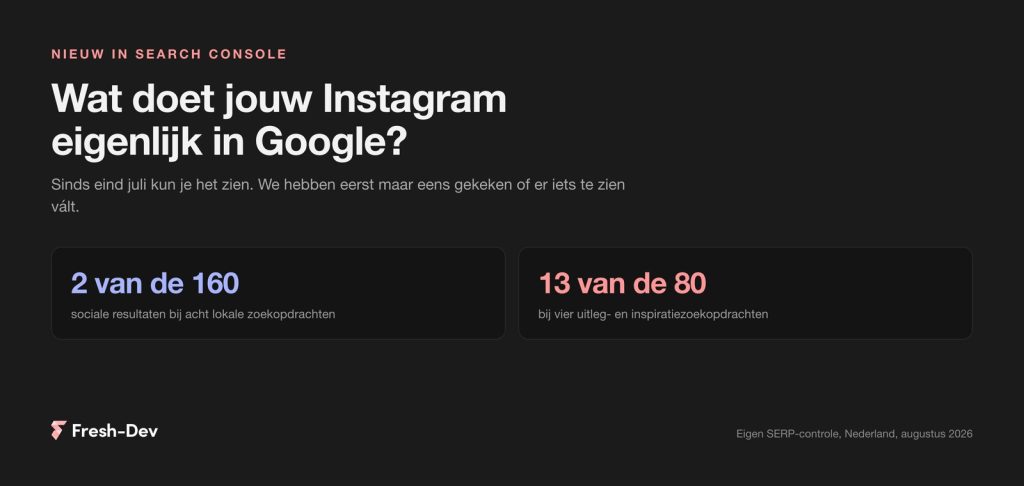
Search Console has been showing what Google sends to your Instagram, TikTok, X and YouTube since July. We checked twelve Dutch search queries.
Read on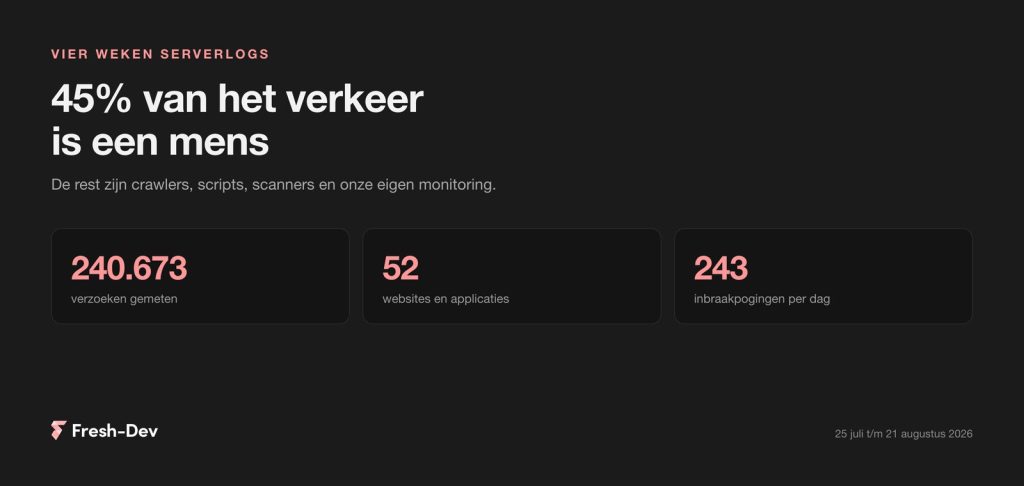
We have combed through four weeks of server logs from 52 sites: 45 per cent human, GPTBot seven times busier than Googlebot and 243 intrusion attempts per day.
Read on