What developers will do differently in 2026
A developer in 2026 does more than tap out code. Seven shifts that have fundamentally changed our work over the past few years.
Read on
 Jesse
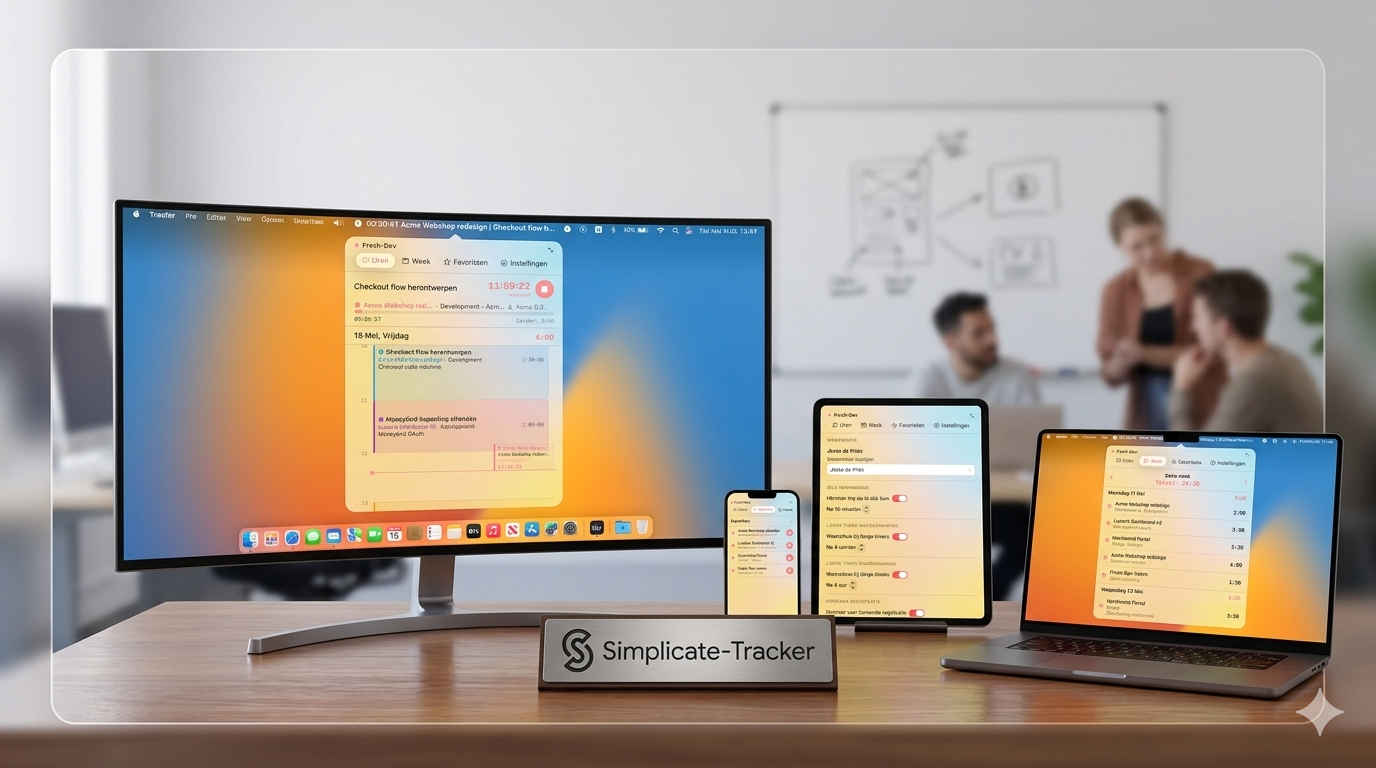
JesseAt Fresh-Dev, we occasionally build our own internal tools. The latest one: a Simpler tracker as a Mac app, linked to our time tracking via the Simplicate API. Not a revolution, but a few hundred clicks less per week for the whole team.
In this article:
Almost everything we do internally runs via SimplifyProject status, capacity planning, invoicing, hours. Works fine as long as you plan your day in the morning and stick to that plan precisely.
A working day rarely goes like this. Is there a question in between or a quick task for another client? Then you had to log in to Simplicate, find the right project, and update your hours manually. Four actions for a ten-minute job, and it happened several times a day.
This is why the desire arose for a Simplicate tracker that is always within reach. One click, correct project, timer running.
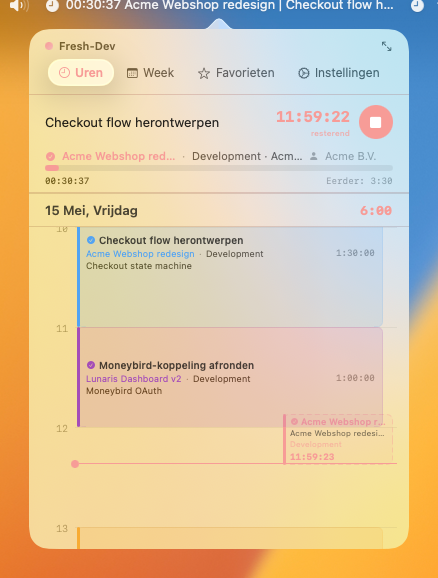
A few years ago, we used Toggl for our time tracking. It came with a Mac app that took a different approach: one screen with a timer, your daily overview, your open tasks, and favourites like ‘Administration’ which you could start with a single click.
Little things that, together, meant dozens of clicks less per day. We hadn't had that since switching to Simplicate. A Simplicate tracker with the same directness didn't exist, so we decided to build one ourselves.
Build an app exactly like Toggl, but entirely for our work.
– Jesse, co-owner of Fresh-DevJesse, one of the owners, has been building his own iOS apps in Swift for years. In the team, we call him the Golden Master (He installs every Apple beta first). He is with Claude Code got to work to put together a first version.
The first question was practical: how do we retrieve the Simplicate data? API Simplication everything needed, including authentication. No intermediary server, no sync script, just directly from app to Simplicate.
In Xcode, we built a dashboard view that displays projects, tasks, and hours worked. For the design, we created a brief via ChatGPT based on two references: our own Fresh-Dev website a Toggl for Mac. That briefing was the starting point for version 1 of our Simplicate tracker.
You get an AI-driven prototype in a week. The rest takes months. Does it also work with twenty active tasks? What does the app do when it's in the background with a running timer? How much CPU does it use on a MacBook Air?
We worked on those kinds of questions before we rolled it out internally. The Simplicate tracker not only had to work on the demo laptop, but also run the whole team's workday without a hitch.
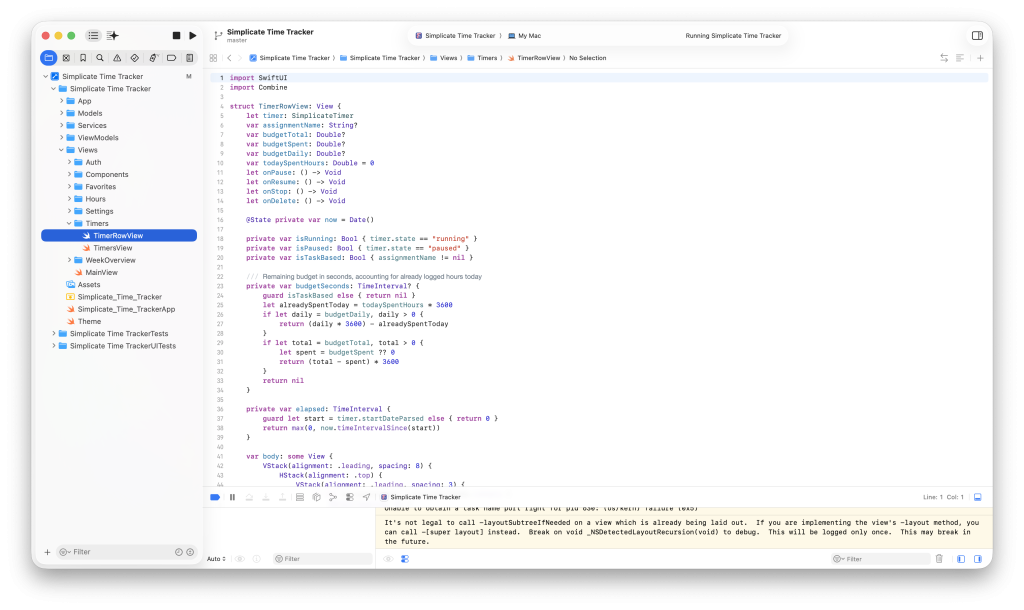
Along the way, we learned a few things that would also be useful for other internal tools:
The current version has the basis of Toggl plus a number of things that have been adapted to our workflow:
The app is not mandatory for the team. Those who want to work without it can do so. Those who felt the extra Simplicate step was an unnecessary hassle use it daily.
Are you also encountering a process that could be smarter? Often there's a tool that no one builds because it seems ’too small’. At our services is the designing and building of such internal tools baked in. Plan a consultation Then we'll help you think.